
Cross Roller Bearing Catalog and CAD Review
Use catalog, CAD, and document information as RFQ evidence, then send the model, dimensions, drawing or photo, mounting details, application, load direction, quantity, and target timing for TFL Bearings review.
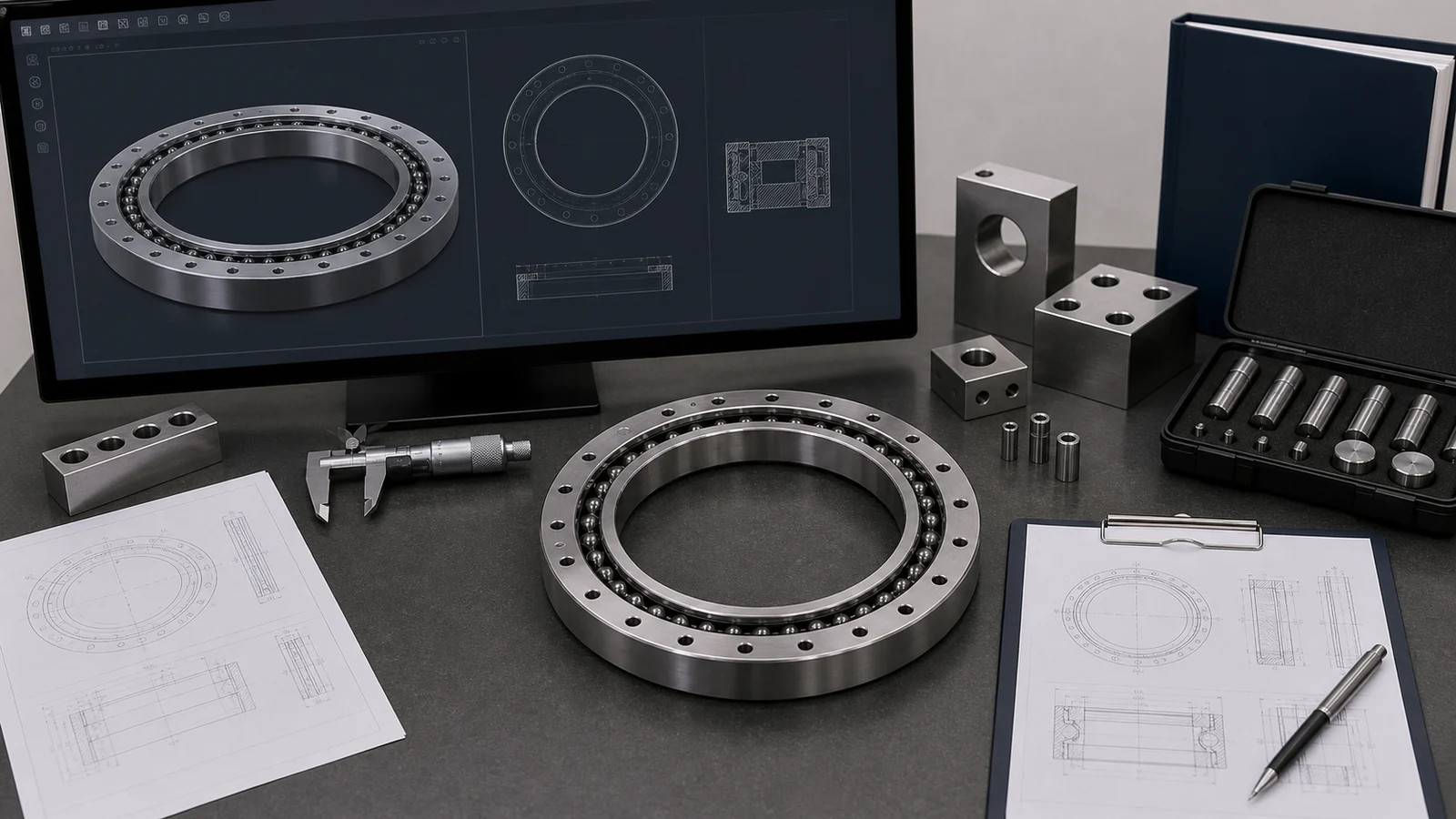
Practical Review Overview
Catalog and CAD information should support engineering review, not replace model, dimension, drawing, and application confirmation.
Exact marking or series
Separate product selection from support research with the actual model or drawing reference.
Bore, OD, and width
Confirm measured dimensions and units before using catalog or CAD data.
Mounting and load path
CAD should be checked against hole pattern, seating face, load direction, and application.
Reference data only
Catalog and CAD support cannot confirm fit, availability, price, or timing without RFQ validation.
Decision Matrix or Checklist
Confirm whether the request is for new design, replacement, catalog lookup, drawing review, or problem investigation.
Catalog lookup
Send product family, model, series, and application context.
CAD or drawing review
Send drawing, mounting interface, hole pattern, and exact review question.
Replacement inquiry
Send old model, photo, dimensions, application, and quantity.
Custom discussion
Send drawing, load direction, quantity, and target condition.
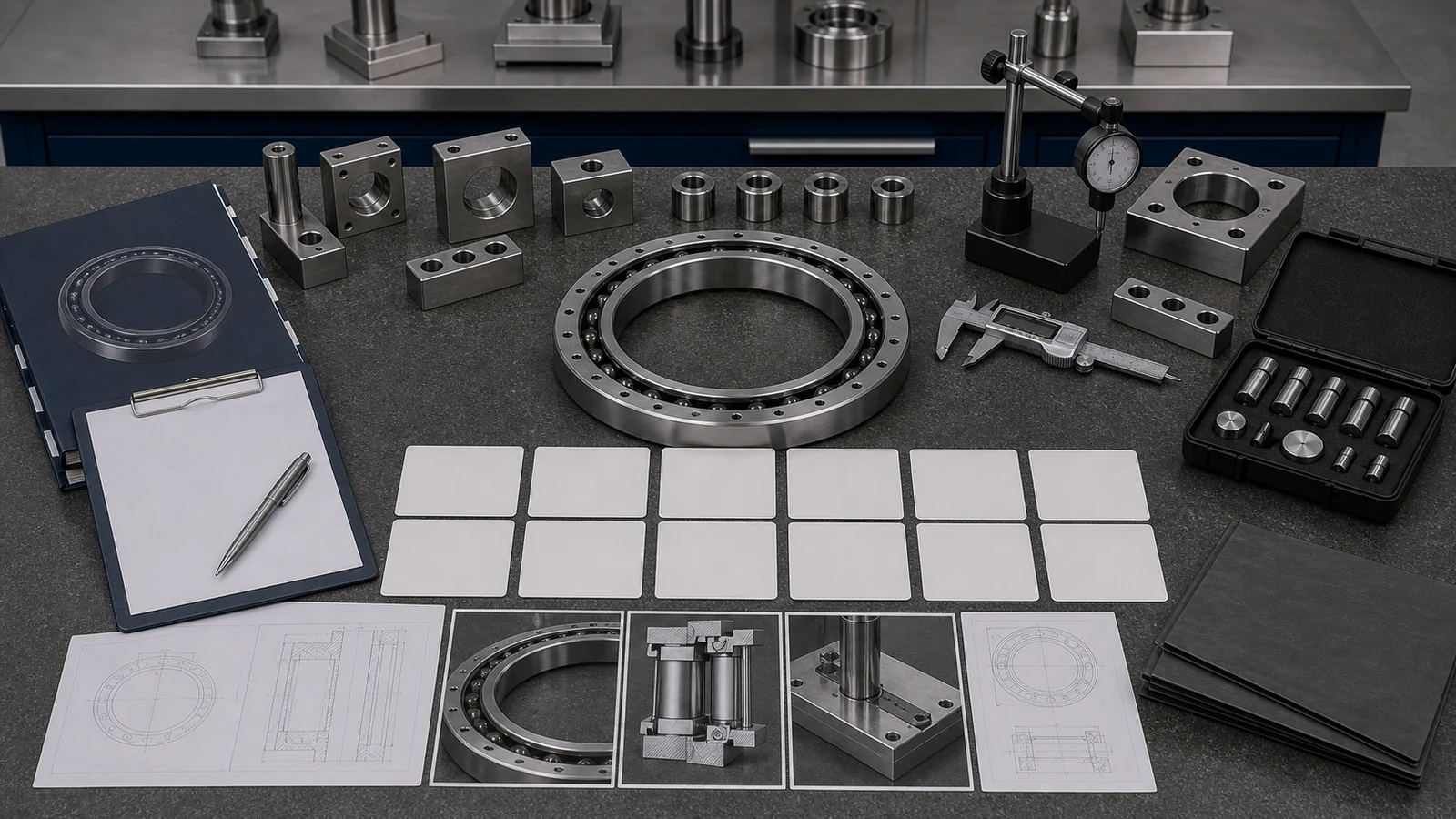
TFL Supply Chain Review Support
TFL Bearings acts as a bearing supply chain integrator, so model review can also cover sourcing route, cost-saving alternatives, inspection, documents, and export coordination after RFQ evidence is validated.
Pre-audited manufacturing resources
TFL Bearings can coordinate cross roller bearing options across reviewed China manufacturing resources when the RFQ includes model, drawing, quantity, and application evidence.
Cost-saving candidate review
For replacement or cross-reference work, TFL Bearings can review dimensional interchangeability, preload, accuracy, rigidity, mounting, and application limits before quotation.
BOM and shipment coordination
Mixed-model requests can be reviewed for one PO, combined shipment, inspection, export packaging, and document support when the order scope is clear.
Catalog and CAD Boundary
Resource evidence stays tied to validation and RFQ next step.
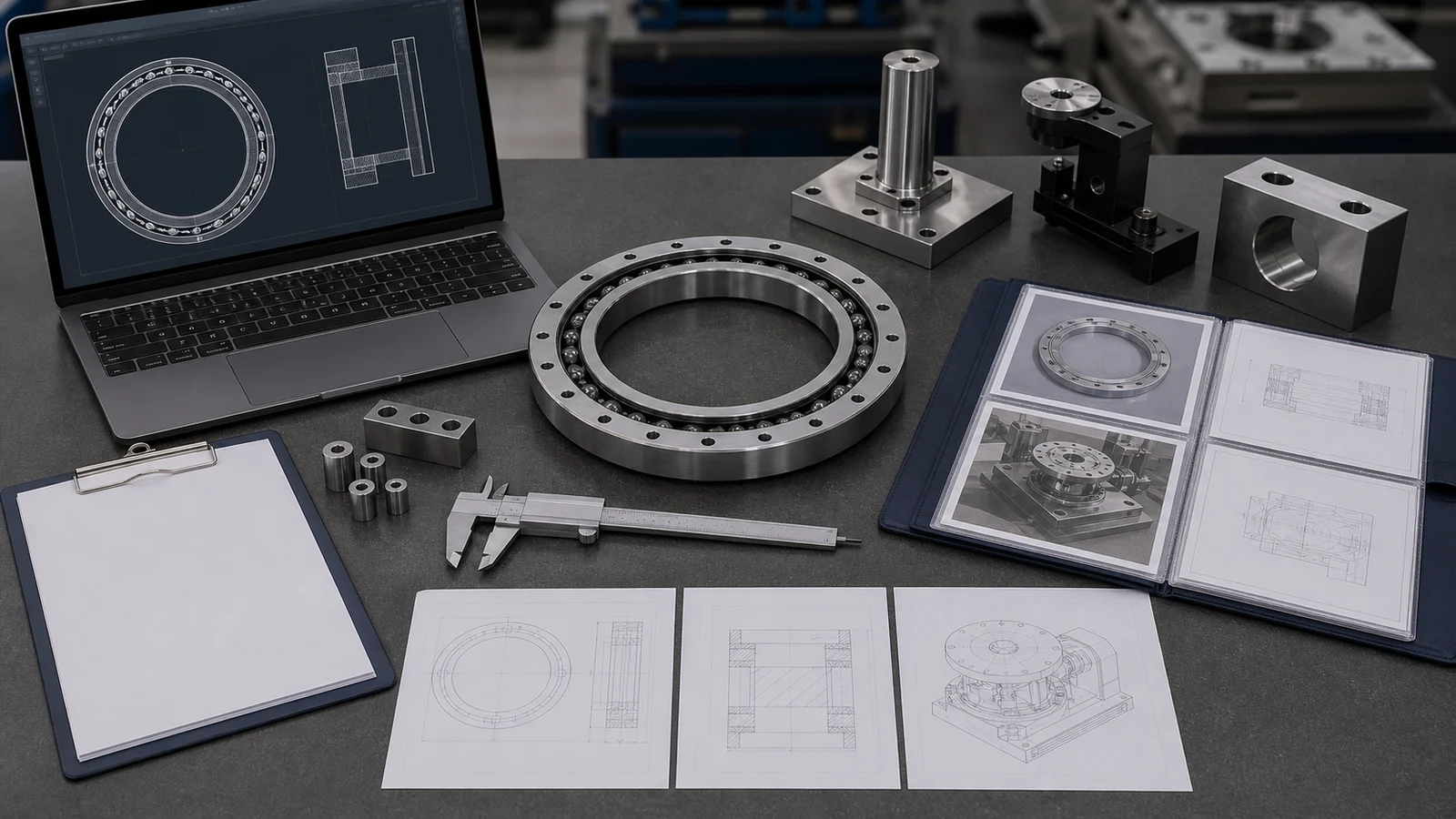
What to Send TFL Bearings
A catalog or CAD request becomes actionable when it is connected to a real purchase or engineering decision.
Engineering Decision Layer
TFL Bearings checks which measurements, drawings, catalog references, CAD files, or support notes are strong enough for engineering review.
Chart row, catalog reference, CAD, drawing, photo, installation note, or symptom record
Defines whether the request is selection, replacement, catalog support, drawing review, or problem evidence.
Model, dimensions, mounting, load direction, and application condition
Prevents resource data from being treated as final fit without machine context.
Preload, rigidity, lubrication, accuracy, speed, and environment
Can change the correct route before RFQ and should be tied to the actual machine.
Open questions, quantity, target timing, document need, and contact details
Moves the request from support research to quotation review or missing-data follow-up.
Application Fit Notes for Catalog and CAD Use
Catalog and CAD data should match actual machine conditions before quotation.
RFQ Process Depth Layer
The RFQ path validates catalog and CAD evidence before quotation follow-up.
Evidence selection
TFL Bearings identifies which measurement, diagram, catalog, CAD, installation, or comparison evidence applies to the request.
Engineering validation
The evidence is checked against model identity, dimensions, mounting, load direction, application, and quantity.
Boundary review
Reference information is separated from fit, availability, document, price, and timing decisions.
RFQ decision
Validated evidence is routed to quotation follow-up or a focused missing-evidence request.
Practical RFQ Checklist
Prepare these details before asking TFL Bearings to review catalog or CAD support evidence.
Request Evidence Validation- Catalog row, CAD reference, drawing, screenshot, or support document.
- Model marking, series, measured dimensions, ring structure, and mounting interface.
- Machine type, load direction, speed, rigidity, lubrication, and environment.
- Validation question: selection, replacement, fit check, CAD check, or document support.
- Quantity, target timing, destination, and inspection or document requirement.
- Open assumptions that should not be treated as confirmed facts.
Related Resource, Product, Application, and RFQ Links
Use these review paths to connect provided evidence with the next sourcing, application, replacement, or RFQ action.
Technical resources
Return to the resource routing page.
Review optionSize chart review
Use when measured dimensions are the starting evidence.
Review optionCrossed roller bearing product hub
Connect catalog data to product family review.
Review optionRFQ submission
Send catalog or CAD evidence for validation.
Review optionFAQ
Use catalog data as evidence for review, then confirm model, dimensions, mounting, load direction, application conditions, and RFQ scope before quotation.
No. Treat catalog or CAD information as a starting point. Replacement review still needs dimensions, mounting, accuracy, preload or clearance, load direction, application, and quantity.
Yes. A drawing, sample photo, CAD reference, or measured bearing can support review when it shows mounting interface, ring structure, dimensions, application, and quantity.
Use the related product, cross-reference, application, replacement, or RFQ route according to whether the request is selection, replacement, application review, or quote follow-up.
Send model or marking, bore, outside diameter, width, mounting details, drawing or photos, application, load direction, accuracy or preload notes, quantity, and target timing.